


VITURE XR Glasses Tuning Tool.
Use this tool to fine-tune the color settings and dynamic light strip of your VITURE XR Glasses (depends on the model). Adjustments can be previewed in real time through your XR Glasses, but must be applied to take effect. To get started, please connect your XR Glasses.
Connect Your XR Glasses.
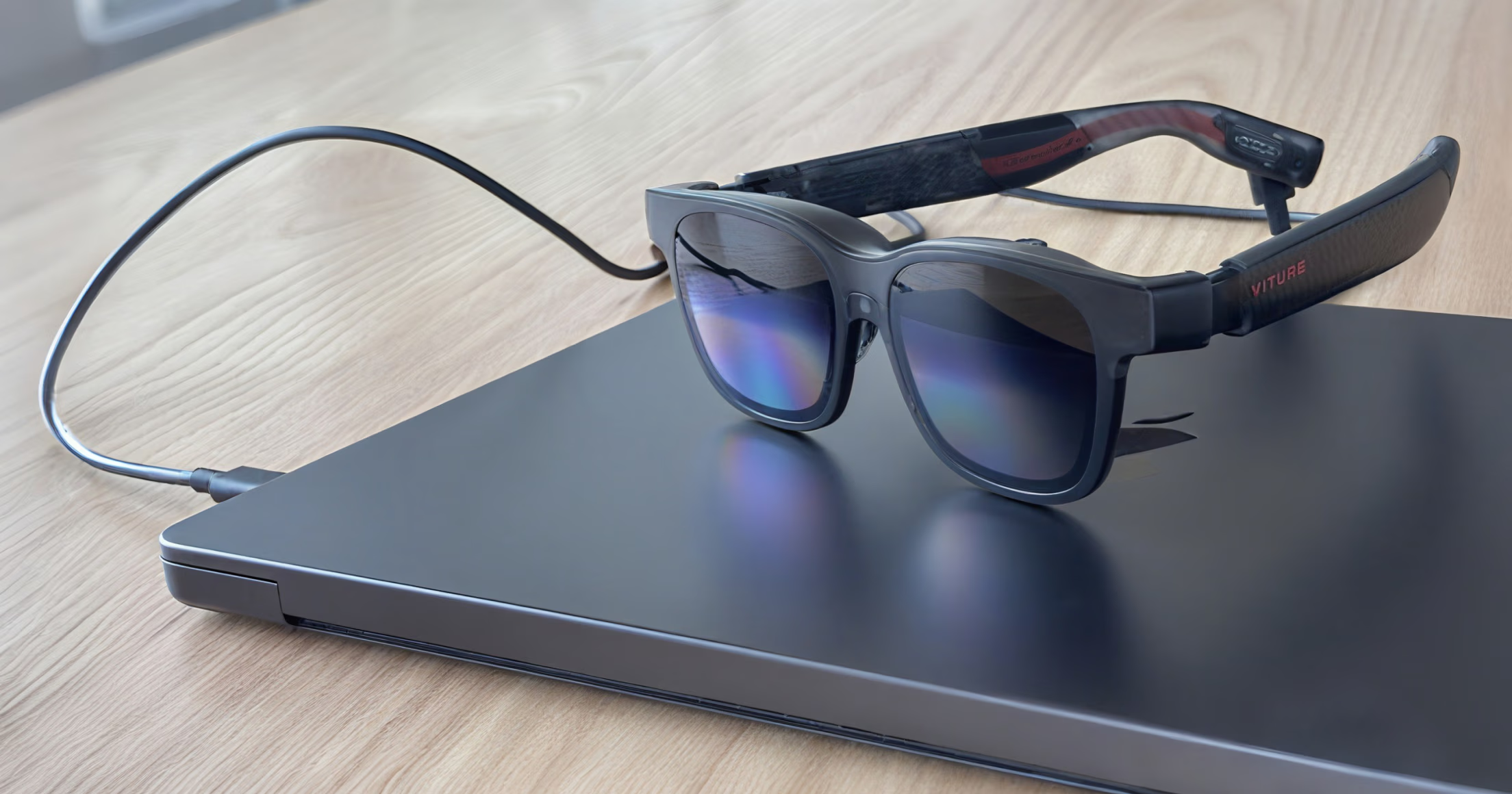
Connect your XR Glasses to a USB-C port on your computer using the included cable, making sure the port supports video output (DisplayPort Alt Mode).
Color Adjustment.
Put on your XR Glasses and view this tab through the lenses to preview color changes in real time.

Color Mode
Red
50Green
50Blue
50Contrast
0Gamma
0Temperature
0Dynamic Light Strip Configuration.
Customize the brightness of the dynamic light strip for each second in a repeating 5-second loop. Once configured, the pattern. The pattern will continuously repeat once applied.
Please note: Enabling the dynamic light effect will increase power consumption. When connected to a laptop, tablet, or mobile device, this may reduce battery life more quickly.
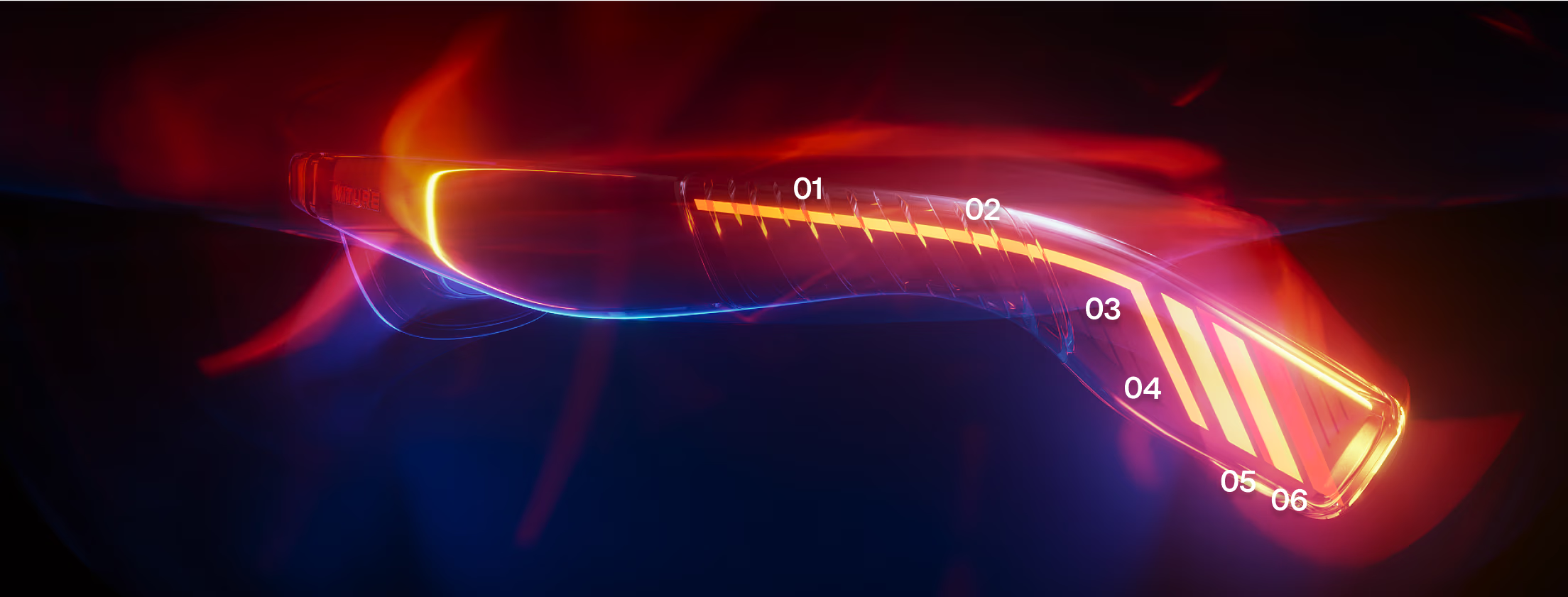
Section 1
75Section 2
75Section 3
75Section 4
75Section 5
75Section 6
75Example.
Configuration options may differ by model.